Meal planningGuide
How to make a shopping list from your recipes automatically
Short answer
Pick your recipes, then use a recipe app that adds each one's ingredients to a single list. A good one merges the same ingredient across recipes, sorts by aisle and lets you untick what you already have. MySooChef, AnyList and Paprika all do this. By hand, list, merge, group by aisle, then check the cupboard.
You've picked three recipes for the week: a traybake, a curry and a pasta. Now you're flicking between three tabs on a Sunday, copying ingredients onto a note, and you know you'll still get home without the cream. Two of the recipes want garlic, all three want onions, and nobody has added them up.
You can do the adding up on paper in ten minutes, or let an app do it as you go. This guide covers both. It's written by the team that makes MySooChef, so we'll be clear about where our app fits and where another one might suit you better.
What should you do before you make the list?
Decide the meals first, then check what you already have. A list built before the plan is settled ends up with ingredients for dinners you never cook. So pick the recipes and how many people each one feeds. Then open the fridge and the cupboard with the recipes in hand. Rice, oil, stock cubes and spices are the usual things you already own and buy again by accident.
If you don't have a plan yet, start with how to plan a week of meals from recipes you've saved.
How do you make a shopping list from recipes by hand?
Write every ingredient down, merge the repeats, group them by aisle, then cross off what you have. It takes about ten minutes for three recipes and it works.
List every ingredient from every recipe
Copy them with the amounts. Note the servings each recipe is written for, and scale if you're cooking for more or fewer.
Merge the duplicates
One onion here and two there is three onions. Add up only like with like: grams with grams, cups with cups. If one recipe says "1 can" and another says "200 g", write both and decide in the shop.
Group by aisle
Produce, meat and fish, dairy, bakery, tins and dry goods, frozen. Use the order of your usual shop so you walk it once.
Cross off what's in the cupboard
Do this last, with the merged amounts in front of you. Half a bag of rice may not cover two recipes.
Can Apple Reminders sort a grocery list for you?
Yes. In iOS 17 and later, Reminders has a Groceries list type that files each item under a category such as Produce, Meat or Frozen Foods as you add it [1]. Make a new list, open its list type options, choose Groceries and tap Done. iCloud for Reminders has to be on. If an item lands in the wrong section, drag it to another one.
You can share the list with people who use an Apple Account, and they can add, edit and complete items [2]. With Apple Intelligence, Reminders can also suggest grocery items from a recipe open in Safari: tap Share, then Reminders. Apple lists Apple Intelligence for iOS 27 on an iPhone 15 Pro, iPhone 15 Pro Max or an iPhone 16 model or later, and not in every language or region [9]. Without it, you type each ingredient in yourself. Either way, Apple's help pages don't list any merging of the same item from two recipes, so step two is still yours.
Is there a recipe app that makes the grocery list for you?
Yes. Several recipe apps add a recipe's ingredients to a shopping list in a tap or two, but some handle the list better than others. A good one:
- Merges the same ingredient across recipes. Two recipes asking for garlic should read as one line, with the amounts added up.
- Handles units. 200 ml and 1 cup are both volume and should add together.
- Sorts by aisle. So you're not doubling back for the lemons.
- Takes things that aren't in a recipe. Bin bags, coffee, whatever ran out this week.
- Shares the list. Whoever is at the shop sees the latest version and ticks things off.
How do you make a shopping list from recipes in MySooChef?
Open a recipe, tap Add, then Shopping list. A sheet called "Add to shopping list" shows every ingredient, ticked. Untick what you don't need and tap Add. The ingredients go on one list, sorted by aisle. You'll find it in the Plan tab under Shopping list, next to your meals.
Open the recipe and tap Add, then Shopping list
Any recipe in your library works, including ones you imported from a website, an Instagram reel or a TikTok.
Set the servings
If the recipe states its servings, the sheet has a Servings stepper. Change it and the quantities update before anything goes on the list.
Untick what you already have
Some of this is done for you. An ingredient already on your list for that recipe starts unticked and says "Already on your list". Anything you've marked under Pantry staples in settings starts unticked in a "Check your staples" fold, so you decide whether you're running low.
Tap Add and repeat for the other recipes
Planning the whole week? The Add to list button on the Plan tab takes you through each planned recipe in turn, so you add the week in one go.
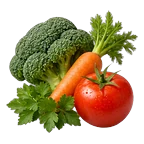 Fresh Produce & Herbs
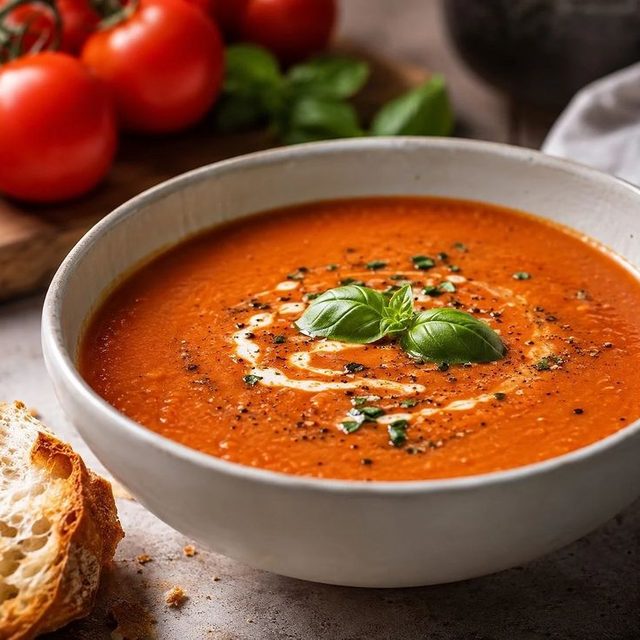
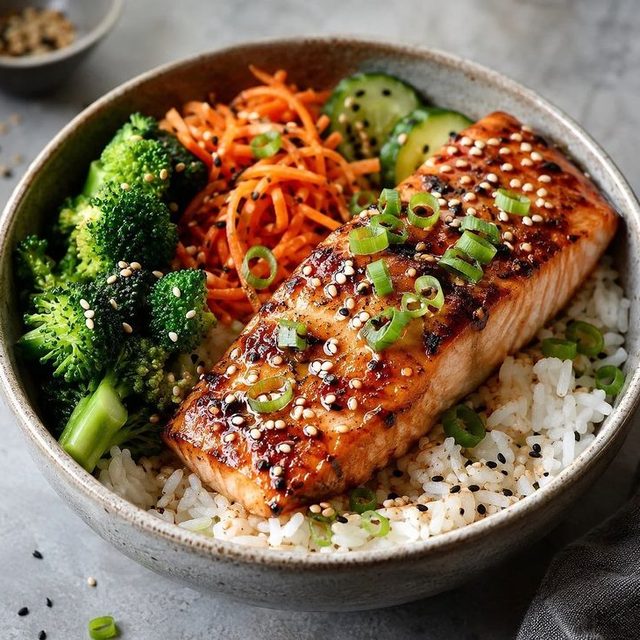
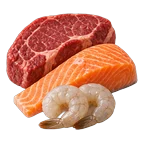 Fresh Meat & Seafood
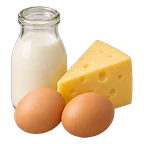 Dairy, Eggs & Milk Alternatives


The list has two views, By recipe and By aisle. Switch between them in List options, the gear at the top of the list. In By aisle, the same ingredient from two recipes shows as one row with the amounts added up, so 1 bell pepper and 2 bell peppers read as 3 bell peppers. Ticking that row ticks both. Amounts add when they convert: volume with volume, weight with weight, counts with counts. Tap an underlined amount to see it in US or metric. You can also type in anything that isn't from a recipe.
To share it, add your household. Up to 4 other people share one shopping list and one meal plan, and ticks show up for everyone in real time. Or send the list as a link: whoever opens it can see it in a browser without the app, and if you allow editing they can add and tick things too. For more on this, see how to share recipes with your family.
What are the limits?
MySooChef is also an iPhone app with a subscription. If you want something free or on Android, read on.
Where does the shopping list fit in the week?
The list is the middle step, and it is only as good as what feeds it and what you do after.
Around the shopping list
Save
Recipes come in
Share a video or web page to MySooChef, or add photos. Check video imports against the source.
Decide
Pick the week
Put recipes on the Plan tab, or send a link so guests vote on dinner, no app or account needed.
Shop
One list
The list this guide is about, filled from the plan in one step and grouped By aisle.
Cook
Timers in the steps
Back home, tick off steps in cook mode as you go. A tap on any time in a step starts a timer.
That path is what the price covers: $39.99 a year with a 1-month free trial on the annual plan, or $0.99 a week. If the list is all you need, Apple Reminders, covered above, sorts a grocery list for nothing.
Paper list vs Reminders vs a recipe app
| Feature | Paper list | Apple Reminders | MySooChef |
|---|---|---|---|
| Reads ingredients from the recipe | No | PartlySuggestions from a Safari recipe, with Apple Intelligence | Yes |
| Merges duplicates | NoBy hand | No | PartlyBy aisle view, when units convert |
| Sorted by aisle | NoBy hand | YesiOS 17 and later | Yes |
| Shared | No | YesWith Apple Account users | YesHousehold or link |
| Linked to the recipe | No | No | Yes |
| Cost | Nothing | Comes with the iPhone | $39.99 a year or $0.99 a week |
Which other apps are good at grocery lists?
AnyList started as a shopping list app and it shows. You can add some or all of a recipe's ingredients to a list, and it combines similar ingredients into one item with the total amount [3]. It groups items by category, and creating and sharing lists is free [4]. It runs on iPhone, iPad, Android, Mac and the web. AnyList Complete costs $9.99 a year for one person or $14.99 a year for a household; the free plan lists a limit of 5 recipe imports from websites [4]. Choose it if the list matters more to you than the recipes, if you need Android, or if you want the cheapest paid option.
Paprika sorts the grocery list into aisles by default, or by recipe, and tries to consolidate similar items, marking merged ones so you can see the originals [5]. Ingredients you've recorded in its pantry start unticked. It runs on iPhone, iPad, Mac, Android and Windows. The free plan holds 50 recipes and one grocery list without sync [8]. Premium launched at $14.99 a year in the US, or $9.99 a year for people who bought an earlier version, and prices vary by region [6][8]. Choose it if you want desktop apps, a pantry that feeds the list, or a long-established recipe manager.
Mealime used to build a grocery list from its own meal plans. Its site says it was discontinued as of 21 October 2026, that personal data is deleted at shutdown, and that its recipes moved to Meals Hub inside Albertsons grocery apps [7]. If you used it, you'll need somewhere new.
Paid list apps at a glance
- AnyList Complete
- $9.99 a year (individual), $14.99 a year (household)
- Paprika Premium
- $14.99 a year in the US ($9.99 for past buyers); free plan has 50 recipes and 1 list
- MySooChef
- $39.99 a year (1-month free trial) or $0.99 a week, iPhone only
Sources
- Create grocery lists in Reminders on your iPhone, Apple Support
- Share and assign reminders on your iPhone or iPad, Apple Support
- Remove a single ingredient from a shopping list item, AnyList Help
- AnyList features and pricing, AnyList
- Groceries help, Paprika
- Paprika 4 is Now Available for All Users (6 November 2026), Paprika News
- Thank you for being part of the Mealime community, Mealime
- Pricing: Paprika 4 User Guide for iOS, Paprika
- Make a grocery list in Reminders on iPhone (iOS 27), Apple iPhone User Guide
Checked . How we research and write
Questions
Is there an app that makes a grocery list from recipes?
Yes. MySooChef, AnyList and Paprika all add a recipe's ingredients to a shopping list and sort it by aisle or category. MySooChef is iPhone only and costs $39.99 a year after a 1-month free trial, or $0.99 a week. AnyList and Paprika also run on Android and have free plans with limits.
How do I combine ingredients from several recipes?
Write every ingredient down, then add up the ones that match and share a unit type: grams with grams, cups with cups. Leave mismatched units, like a can and a weight, as separate lines. Apps such as MySooChef, AnyList and Paprika combine matching ingredients for you, but check the merged amounts before you shop.
Can I share the shopping list with my partner?
Yes. In MySooChef, you and up to 4 others at home share one shopping list and meal plan, and ticks show for everyone in real time. You can also send the list as a link that opens in a browser without the app. Apple Reminders and AnyList also let you share lists.
Does the shopping list sort by aisle?
In MySooChef, yes: the By aisle view groups items like produce, dairy and frozen, and a By recipe view keeps each recipe together. Apple Reminders sorts a Groceries list by category in iOS 17 and later. Paprika sorts by aisle by default and AnyList groups by category.
Can I turn a TikTok or Instagram recipe into a shopping list?
Yes. Share the post to MySooChef from the share sheet and it writes out the ingredients and steps. Check the import against the video, then open the recipe, tap Add, then Shopping list. See the guides to saving recipes from TikTok and from Instagram Reels on mysoochef.com.